> ## Documentation Index
> Fetch the complete documentation index at: https://docs.seekout.com/llms.txt
> Use this file to discover all available pages before exploring further.
# SeekOut MCP
> Connect SeekOut to an AI assistant or developer tool to search, evaluate, and act on talent.
SeekOut MCP gives AI assistants and developer tools access to SeekOut Recruit. Use it to search talent, evaluate candidates, retrieve contacts, export results, and organize candidates in Recruit.
Choose ChatGPT, Claude, Gemini Enterprise, Microsoft 365 Copilot, Amazon Quick, or a desktop app.
Add SeekOut MCP to a desktop app, CLI, coding assistant, or custom client.
Use provisioned API credentials for services, scheduled jobs, and other non-interactive workflows.
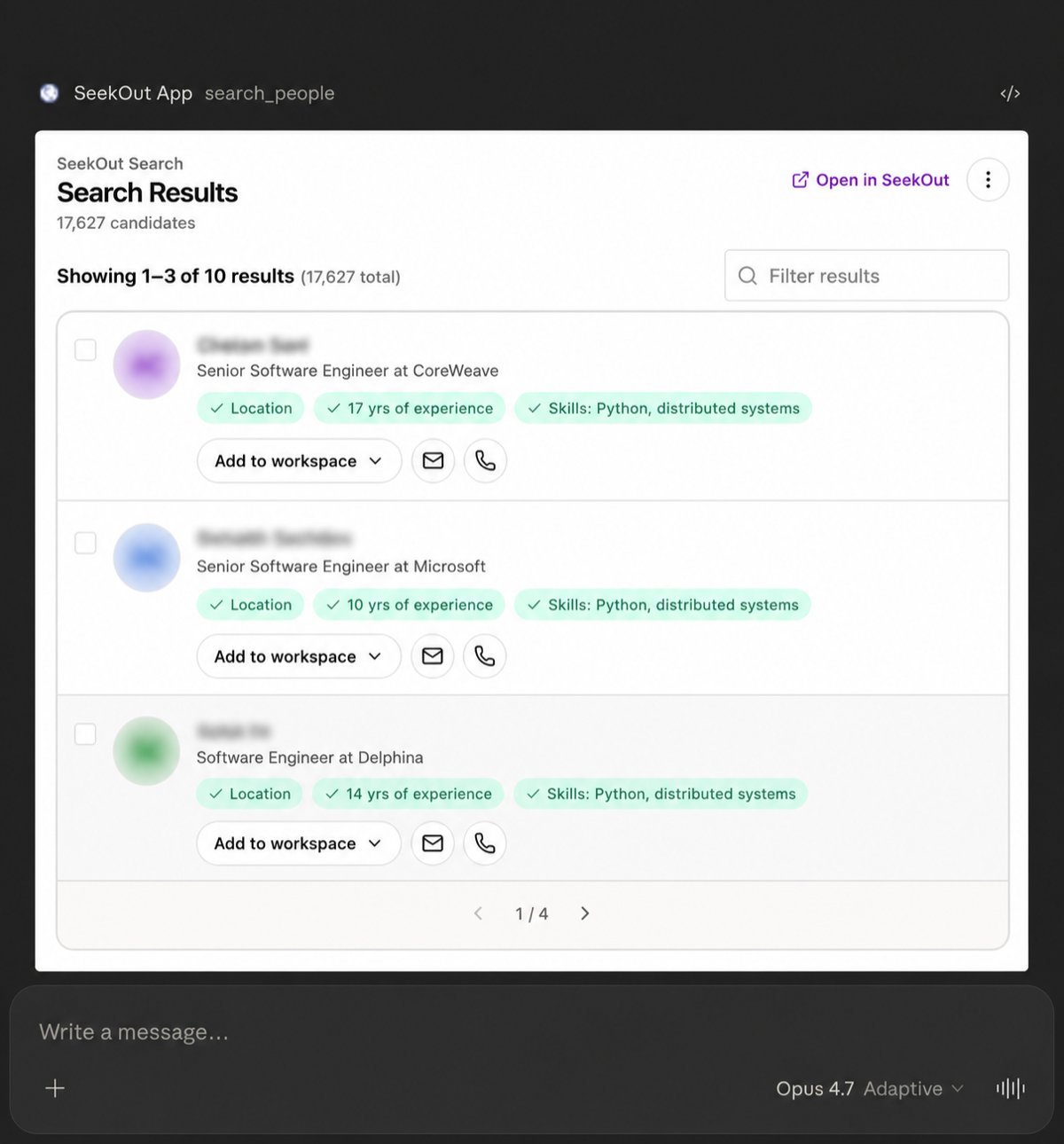 ## How it works
Follow the setup guide for your [AI assistant](/mcp/getting-started/quickstart) or [developer tool](/mcp/connect/developer).
Interactive connections use your SeekOut account and existing permissions. Automated workflows use separately provisioned [API credentials](/mcp/connect/m2m).
Find senior product managers in Seattle with fintech experience.
## What you can do
Source candidates, analyze talent markets, evaluate fit, and prepare outreach.
Search public profiles, GitHub, academic experts, healthcare, nursing, and your ATS pipeline.
Retrieve contacts, export candidates, push to your ATS, and save to Recruit workspaces.
Structure requests that are specific, auditable, and easy to refine.
## How it works
Follow the setup guide for your [AI assistant](/mcp/getting-started/quickstart) or [developer tool](/mcp/connect/developer).
Interactive connections use your SeekOut account and existing permissions. Automated workflows use separately provisioned [API credentials](/mcp/connect/m2m).
Find senior product managers in Seattle with fintech experience.
## What you can do
Source candidates, analyze talent markets, evaluate fit, and prepare outreach.
Search public profiles, GitHub, academic experts, healthcare, nursing, and your ATS pipeline.
Retrieve contacts, export candidates, push to your ATS, and save to Recruit workspaces.
Structure requests that are specific, auditable, and easy to refine.