

Prerequisites
- An active SeekOut account
- A ChatGPT account (Plus, Team, or Enterprise; app availability may vary by plan)
Setup
1
Open SeekOut in ChatGPT
2
Connect the app
Click Connect when ChatGPT prompts you to add the SeekOut app to your account.
3
Sign in to SeekOut
Complete the SeekOut sign-in flow when prompted to authorize ChatGPT to access your SeekOut account.
4
Start using SeekOut MCP
Ask ChatGPT to use SeekOut, or start your request with
@SeekOut:@SeekOut find product managers in Chicago with fintech experience.
If you’re on a managed ChatGPT workspace (Team or Enterprise), your ChatGPT admin controls which apps are available. If the link above is unavailable or the app doesn’t appear, ask your admin to allow SeekOut from the ChatGPT Apps settings.
Walkthrough
Open the published SeekOut app in ChatGPT.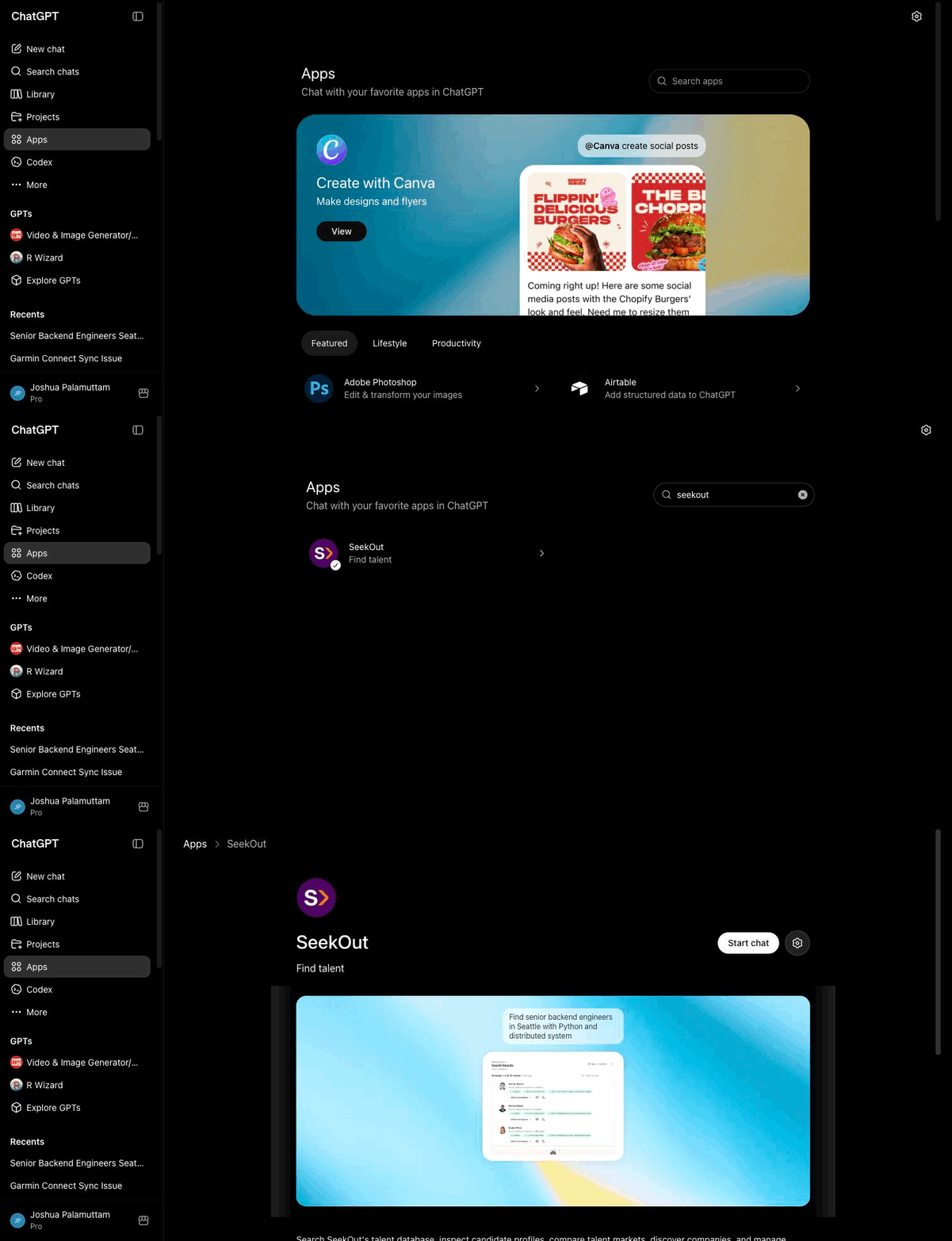
ChatGPT: search Apps for SeekOut and open the published listing